|
<< Click to Display Table of Contents >> Customer Information - Company Hierarchy |
  
|
|
<< Click to Display Table of Contents >> Customer Information - Company Hierarchy |
|
Overview
|
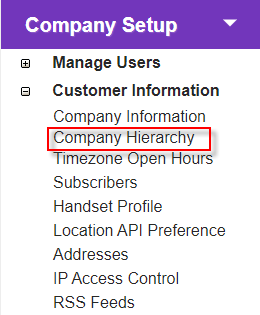
Click the 'Company Hierarchy' link to open the 'Customer Summary' screen, which provides a 'Search' function so you can locate sub-customers using a range of filters.
Once results are displayed, you can access a customer's details for viewing or editing purposes.
Administrators can also create new sub-customer records from this screen. |
Description
|
|
Create a new customer record (Customer Administrators only).
|
Search Customers
|
Type/paste or select any known information you wish to filter by.
|
Start search.
|
Summary
|
Click a customer name to view details or one of the following:
|
Edit customer details (Customer Administrators only).
|
|
Remove permanently from the system (Customer Administrators only).
|